
UK TV Channels on IPTV: EPG, Catch Up and Recording Explained
Channel lists get the headlines, but the features around them decide whether IPTV actually feels better than a satellite box: the EPG (electronic programme guide), catch up and recording. This guide explains how each works on a modern UK IPTV service, what “14-day catch up” really means, and the small tricks — favourites, continue watching, search — that most people never find on their own.
The EPG: your TV guide, done properly
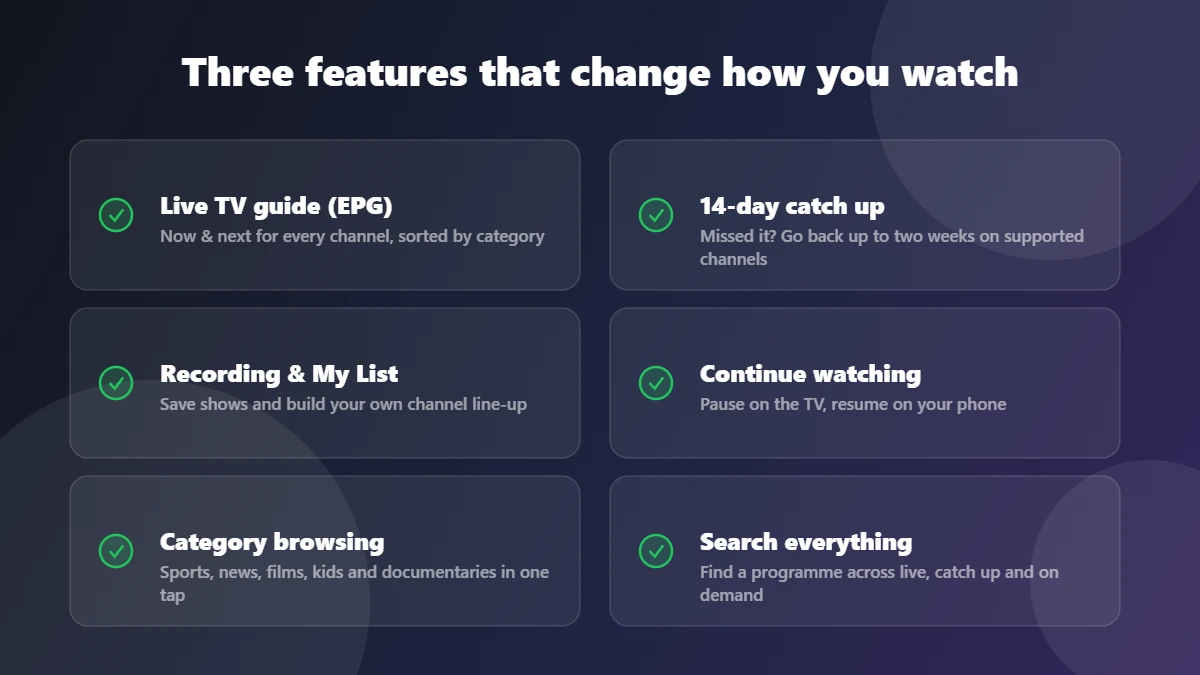
The EPG is the grid of what is on now and next across every channel. On StreamVista it is sorted by category — entertainment, sports, news, films, kids, documentaries — so you browse the kind of TV you want instead of scrolling hundreds of numbers. A well-maintained EPG is also the fastest way to judge a provider’s quality: if the guide matches what is actually playing, someone is running the service with care. (It is one of the six checks in our free trial checklist.)
Two habits worth forming: press and hold a channel to add it to My List, and use the category tabs rather than scrolling. Within a week the app feels like it was arranged for your household — because it was.
Catch up: two weeks of television, backwards
Catch up lets you open a programme that already aired, straight from the guide — no planning, no recording in advance. StreamVista offers 14-day catch up on supported channels, which covers the typical “everyone is talking about last Tuesday’s episode” situation with room to spare. In the guide, programmes with catch up show a replay marker: select one and it plays from the start.
Honest detail most providers skip: catch up depends on the channel, not just the service — a small number of channels do not permit it, which is why you will see “supported channels” in any truthful description. If a show you expected is missing, our 24/7 support can tell you channel by channel.
Recording and My List: build your own schedule
Alongside catch up, you can save programmes to watch later and pin favourite channels to the top of your guide. Combined with continue watching — pause in the living room, resume on the bedroom Firestick or your phone on the train — the practical effect is that the schedule stops mattering. You watch when it suits the house, not when it suits the broadcaster.
What about sport, news and live events?
Live is still live: news and events are where the EPG’s now-and-next view earns its keep, and where server quality shows. Fast channel switching (1–2 seconds) and stable peak-time streams matter far more for live TV than any feature list — which is why we keep writing that you should test at 8pm, not 2pm. For which channels carry what, the honest answer for premium sport is in our satellite and cable comparison.
Getting the best from these features
- Set up favourites on day one — ten channels in My List beats scrolling every evening.
- Use search before browsing — it looks across live, catch up and on demand at once.
- Check the replay marker — if a show has it, you never need to record it manually.
- Keep the app updated — guide data and features improve with app versions.
Try it on your own TV
Reading about an EPG is like reading about a sofa — you need to sit on it. The 24-hour free trial includes the full guide, catch up and recording on every device, and every plan ships the identical feature set. Setup help is free and the whole thing takes minutes — see the Smart TV guide to get started.
EPG and catch up FAQs
What does EPG mean on IPTV?
Electronic Programme Guide — the on-screen TV guide showing what is on now and next across all channels, usually browsable by category and day.
How far back does catch up go?
On StreamVista, up to 14 days on supported channels. Individual channels decide whether they allow catch up, which is true on every IPTV service.
Do recordings use my internet or storage?
Neither in the traditional sense — saved programmes play from the service, so nothing fills your device storage like an old-style PVR hard drive.