
Best Devices for IPTV UK: Firestick, Smart TVs, Android Boxes & More
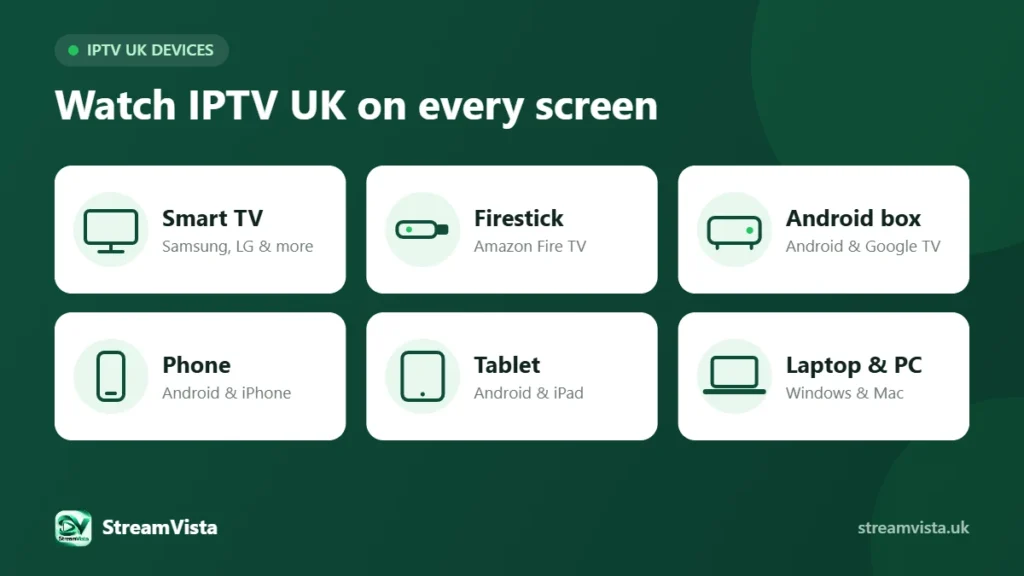
The device you watch on makes a big difference to picture quality, speed and ease of use. Here is how the most popular options compare for IPTV UK, and which one we recommend for different homes.
Quick comparison: best devices for IPTV UK
| Device | Best for | Pros | Watch out for |
|---|---|---|---|
| Amazon Fire TV Stick | Most homes | Cheap, simple, plugs into any HDMI TV | Basic models can be slow with 4K |
| Android TV / Google TV box | Power users | Fast, flexible, wired Ethernet on many models | Quality varies between brands |
| Smart TV (Samsung, LG, Hisense, TCL) | No extra box | Built in, one remote | App support depends on the TV platform |
| Phone or tablet | Watching on the go | Always with you, great for bedrooms | Small screen, uses battery |
| Windows PC / Mac | Desk or office | Big screen, easy to use | Not ideal for the living room |
Amazon Fire TV Stick (Firestick)
For most UK households a Fire TV Stick is the easiest way to watch IPTV. It is affordable, works with any TV that has an HDMI port and has a simple remote. Choose a 4K model if your TV supports 4K, and add an Ethernet adapter for the most stable picture.
Android TV and Google TV boxes
A good Android TV or Google TV box is usually the fastest option, with more storage and often a built-in Ethernet port. It is ideal if you watch a lot of live sport or want the smoothest channel switching. Stick to well-known, certified brands for regular updates.
Smart TVs
Watching directly on your Smart TV means no extra box and one remote. The experience depends on the platform – Tizen, webOS and Google TV all handle apps differently. Our comparison of UK Smart TV platforms explains what to expect. If your TV is more than a few years old, a streaming stick is often quicker.
Phones and tablets
Perfect for the kitchen, bedroom or watching on the go. Turn on “Wi-Fi only” streaming to protect your mobile data allowance, and use AirPlay or casting to send a programme to the big screen.
Computers
A laptop or desktop is handy for watching at a desk, especially with a wired connection. For the living room, a dedicated streaming device is more comfortable.
Which device should you choose?
- Best overall: a 4K Fire TV Stick or a certified Google TV device.
- Best for sport: an Android TV box connected by Ethernet.
- Best if you do not want another box: a recent Smart TV.
- Best for the whole family: a stick in the living room plus phones and tablets for other rooms.
Get set up in minutes
Whichever device you pick, follow our step-by-step IPTV UK setup guide and check you have enough broadband with our guide to internet speed for IPTV UK. Then test it all with a free IPTV UK trial or compare IPTV UK subscription plans.