
What Internet Speed Do You Need for IPTV UK?
The number one cause of buffering is not the IPTV service – it is the connection between your router and your TV. Here is exactly how much broadband speed IPTV UK needs, how many screens your line can handle and how to get a smooth picture on Wi-Fi.
Recommended internet speed for IPTV UK
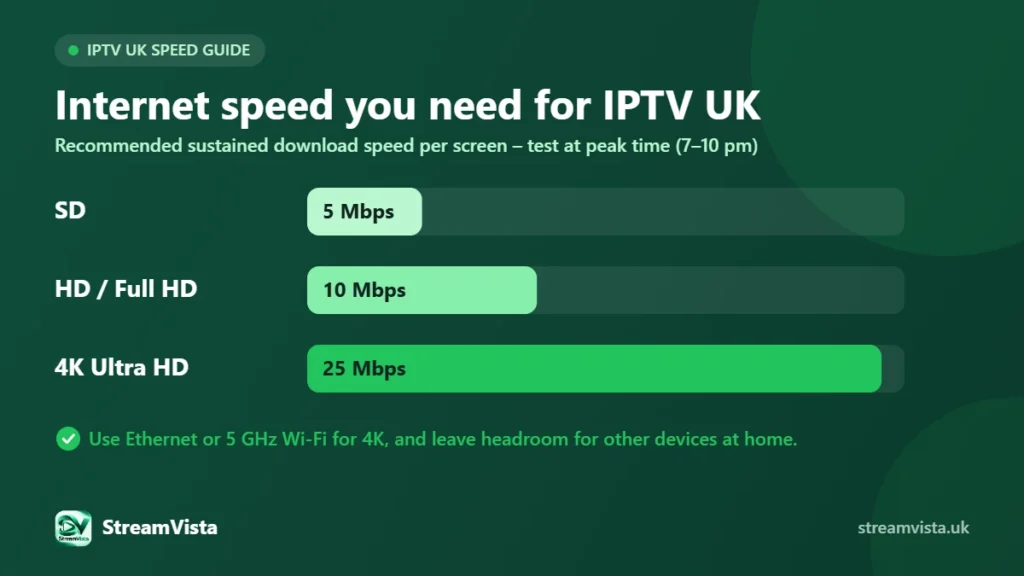
For a stable picture we recommend these minimum speeds for each screen that is streaming at the same time:
| Picture quality | Recommended speed per stream |
|---|---|
| SD (standard definition) | 5 Mbps |
| HD / Full HD (720p–1080p) | 10 Mbps |
| 4K Ultra HD | 25 Mbps |
These are sustained speeds, not the headline “up to” figure in your broadband advert. Evening peak times are when speeds dip most, so test then.
How many devices can your broadband handle?
Add up the streams you will run at once and leave some headroom for phones, video calls and downloads:
- One HD stream: about 10 Mbps.
- Two HD streams plus normal household use: around 30 Mbps.
- One 4K and one HD stream at the same time: around 40–50 Mbps.
- Three screens including 4K: a full-fibre or fast cable line of 65 Mbps or more is comfortable.
Check how many screens your plan allows and size your connection for the number of screens you actually use at the same time.
How to test your IPTV UK speed properly
- Run a speed test on the streaming device itself, not just your phone.
- Test in the evening between 7 pm and 10 pm, when UK networks are busiest.
- Test on the same Wi-Fi band and in the same room where you watch TV.
- Look at the download speed and how stable it is – big swings cause buffering even on fast lines.
Wi-Fi tips for smooth streaming
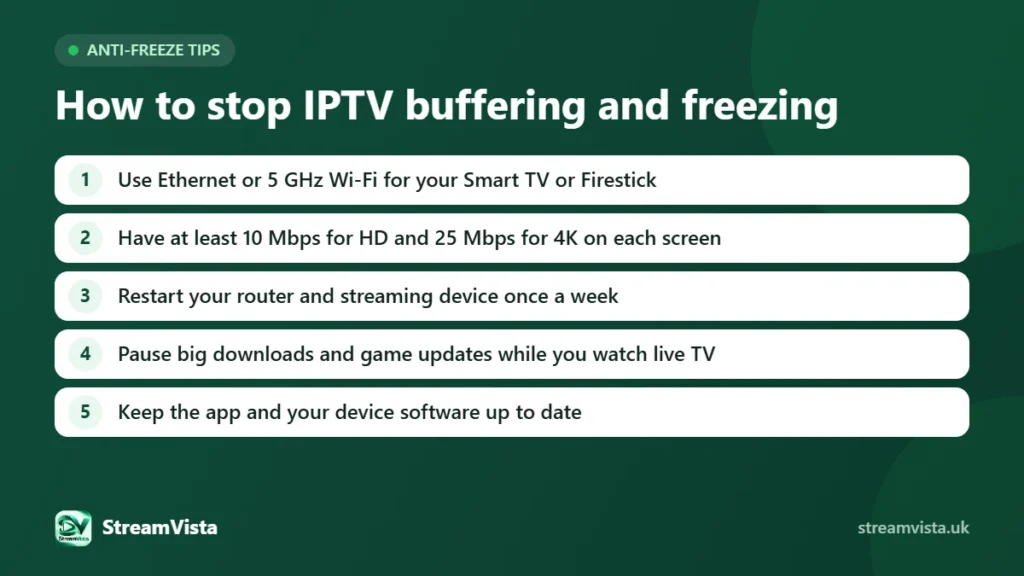
- Use Ethernet for the main TV if you can – it is the single biggest improvement.
- Connect to the 5 GHz band for 4K; 2.4 GHz travels further but is slower and more crowded.
- Keep the router off the floor and away from the TV, fish tanks and microwaves.
- Use mesh Wi-Fi or a powerline adapter in large or older homes with thick walls.
- Restart your router and device regularly and keep their software updated.
On a gigabit line and still buffering? It is usually Wi-Fi or the device, not the broadband – read why fast UK fibre still suffers from buffering.
What does “anti-freeze” IPTV mean?
Many IPTV providers advertise “anti freeze” servers or apps. It is a marketing term for streaming that is set up to reduce freezing and buffering – usually adaptive bitrate streaming, which lowers the picture quality for a moment instead of stopping when your connection dips. It helps, but no server can fix a weak Wi-Fi signal. The tips above, a provider with reliable servers and a free trial so you can test at peak time matter far more than the label.
Does the device matter?
Yes. Older sticks and budget TVs can struggle with 4K even on a fast connection. See our guide to the best devices for IPTV UK and the IPTV UK setup guide for the right settings.
Test your own connection for free
The easiest way to know if your broadband is ready is to try it. Start a free IPTV UK trial, watch at peak time and see the picture for yourself – then choose from our IPTV UK subscription plans.